A visual clock for kids 3+

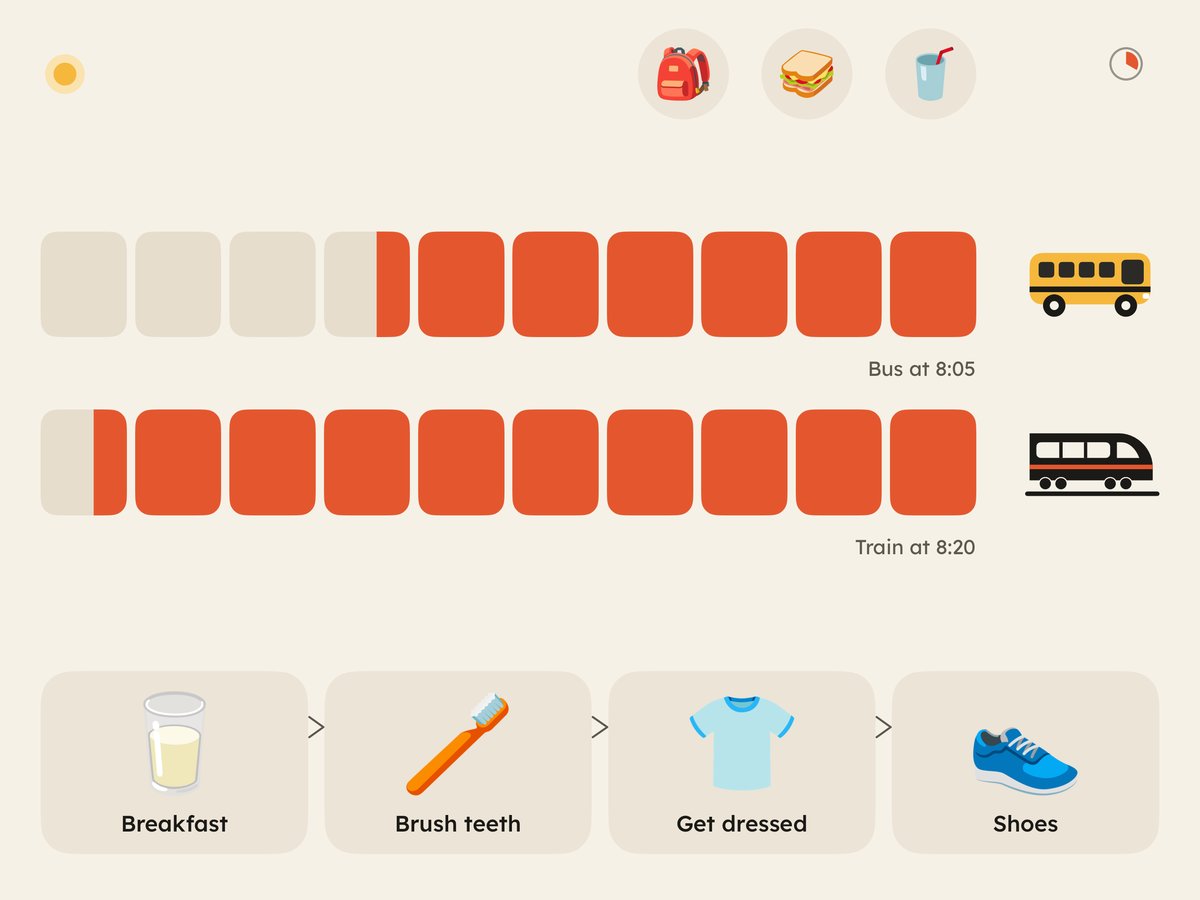
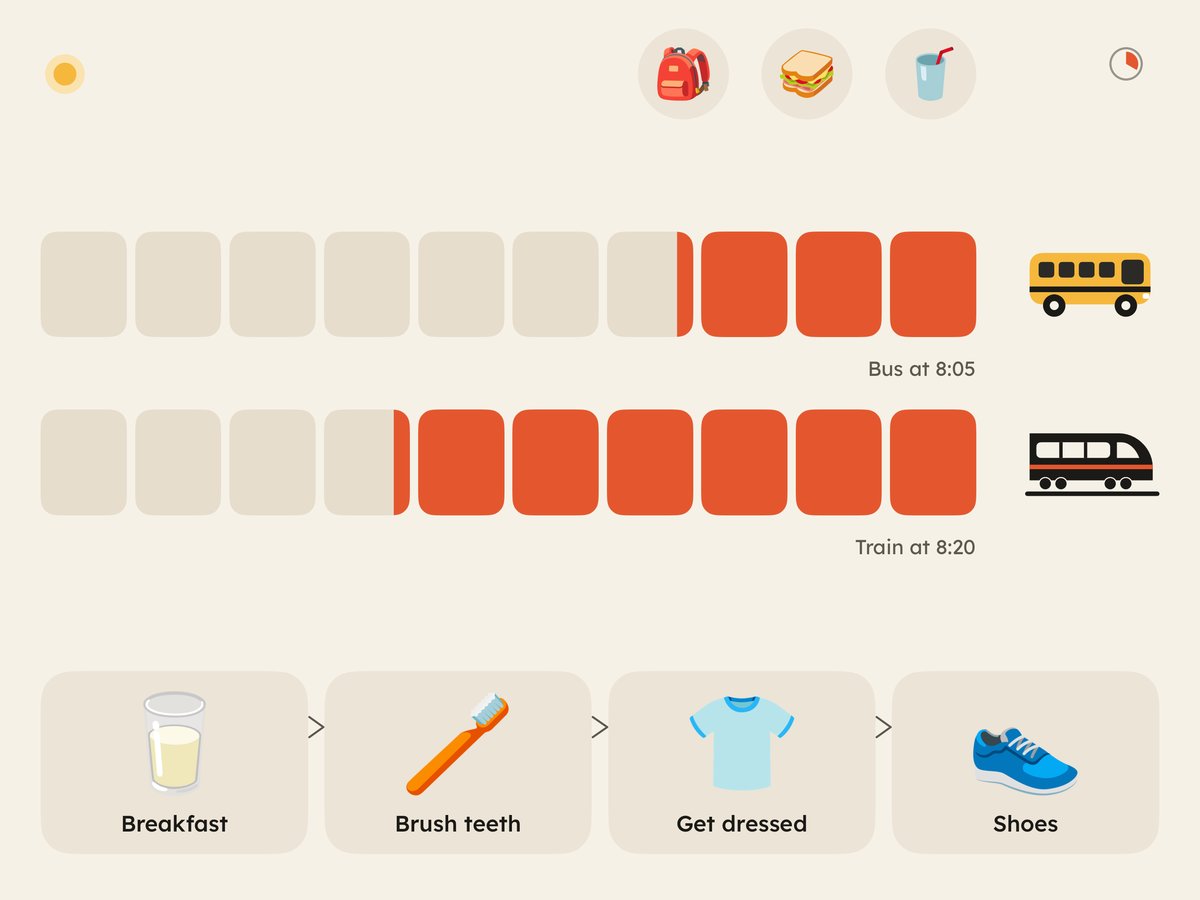
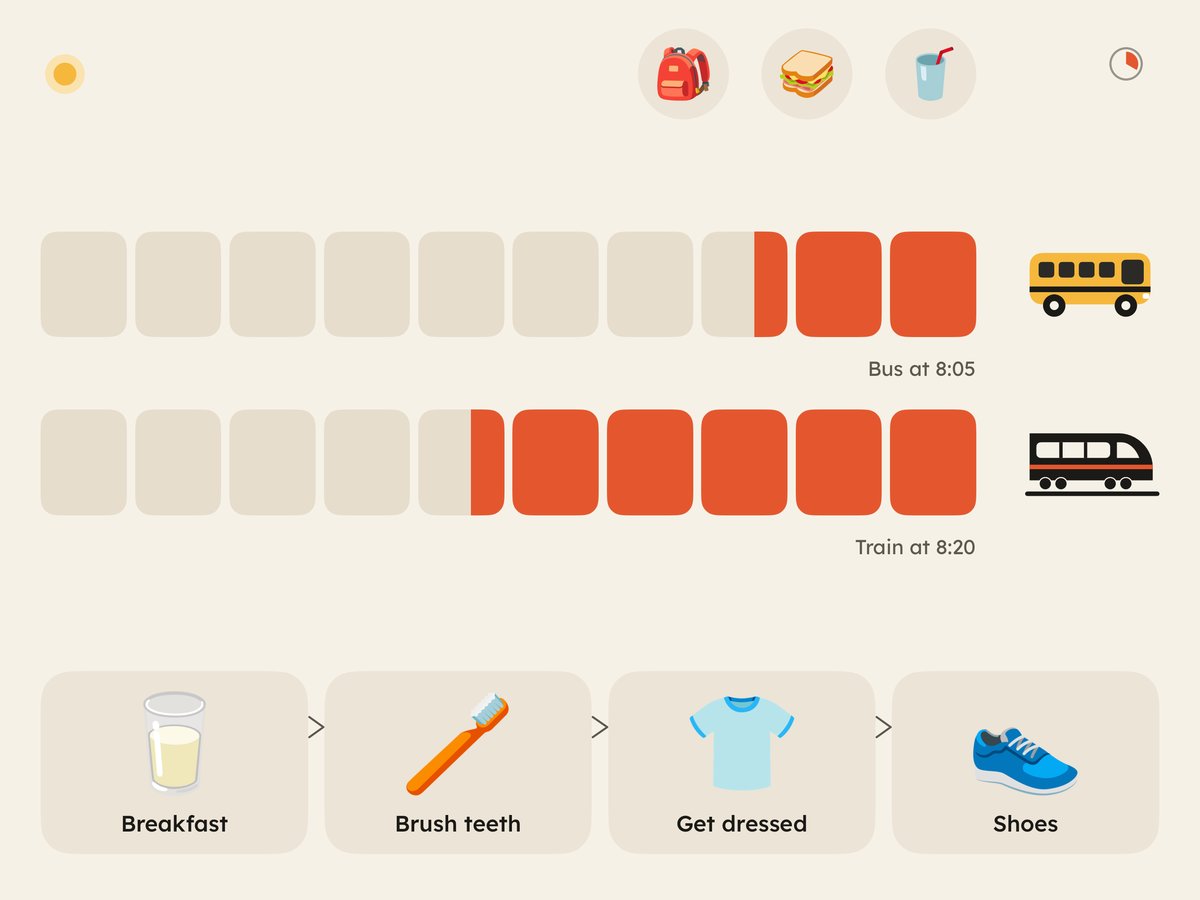
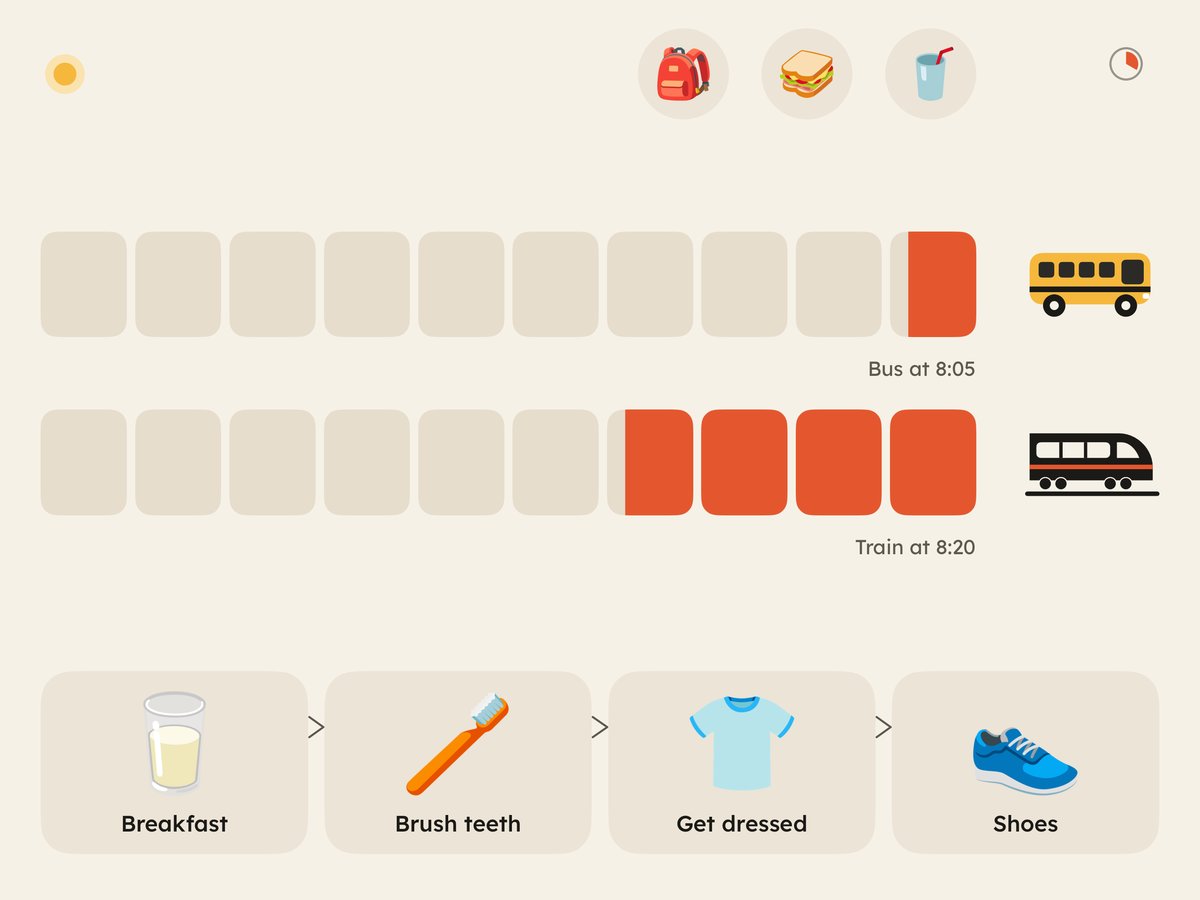
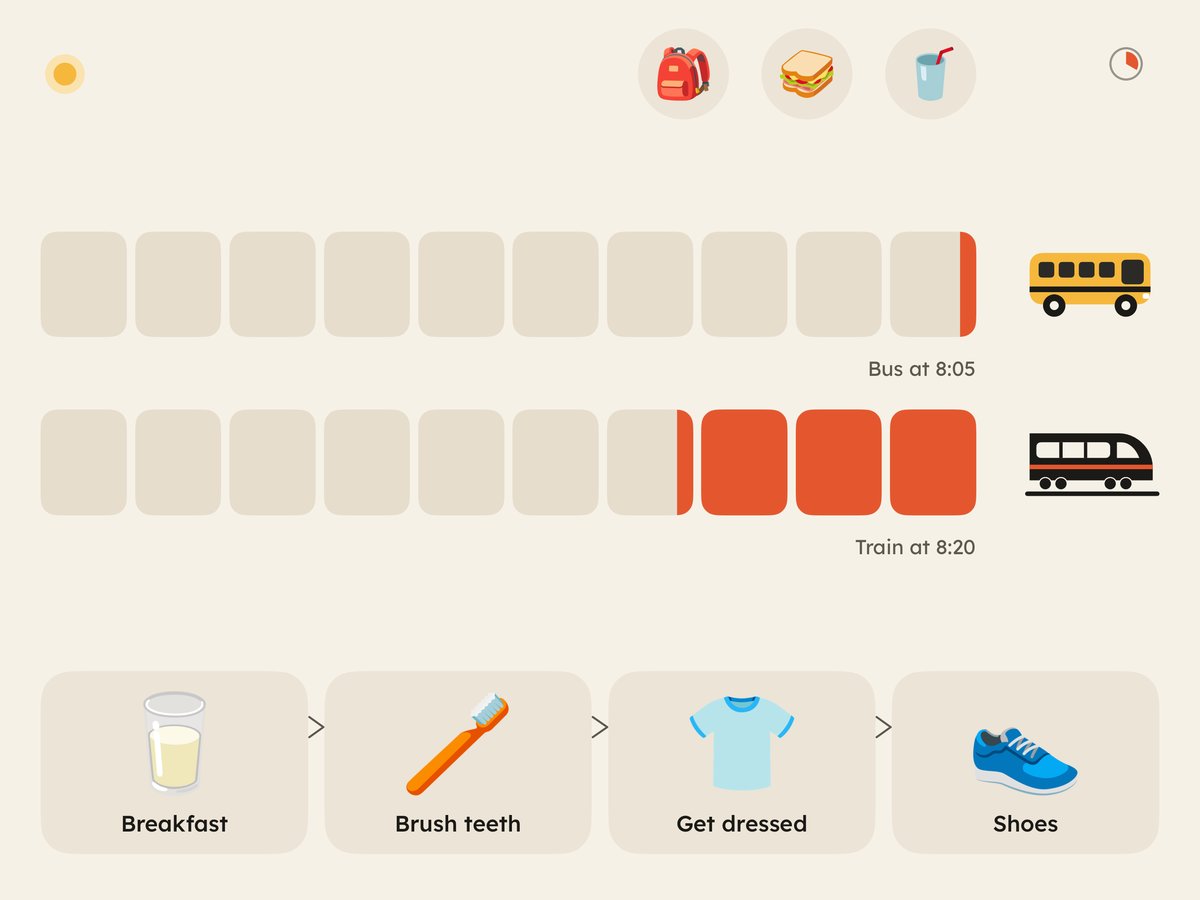
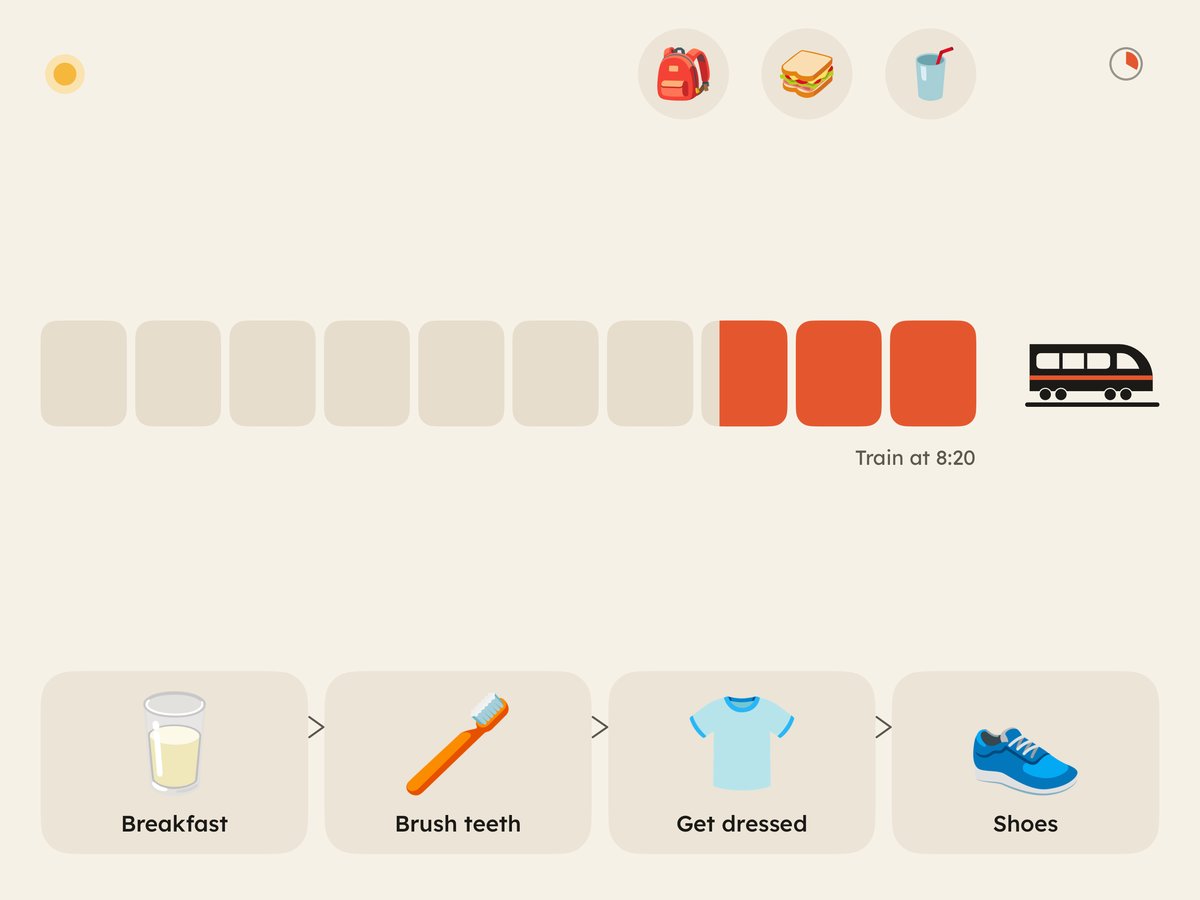
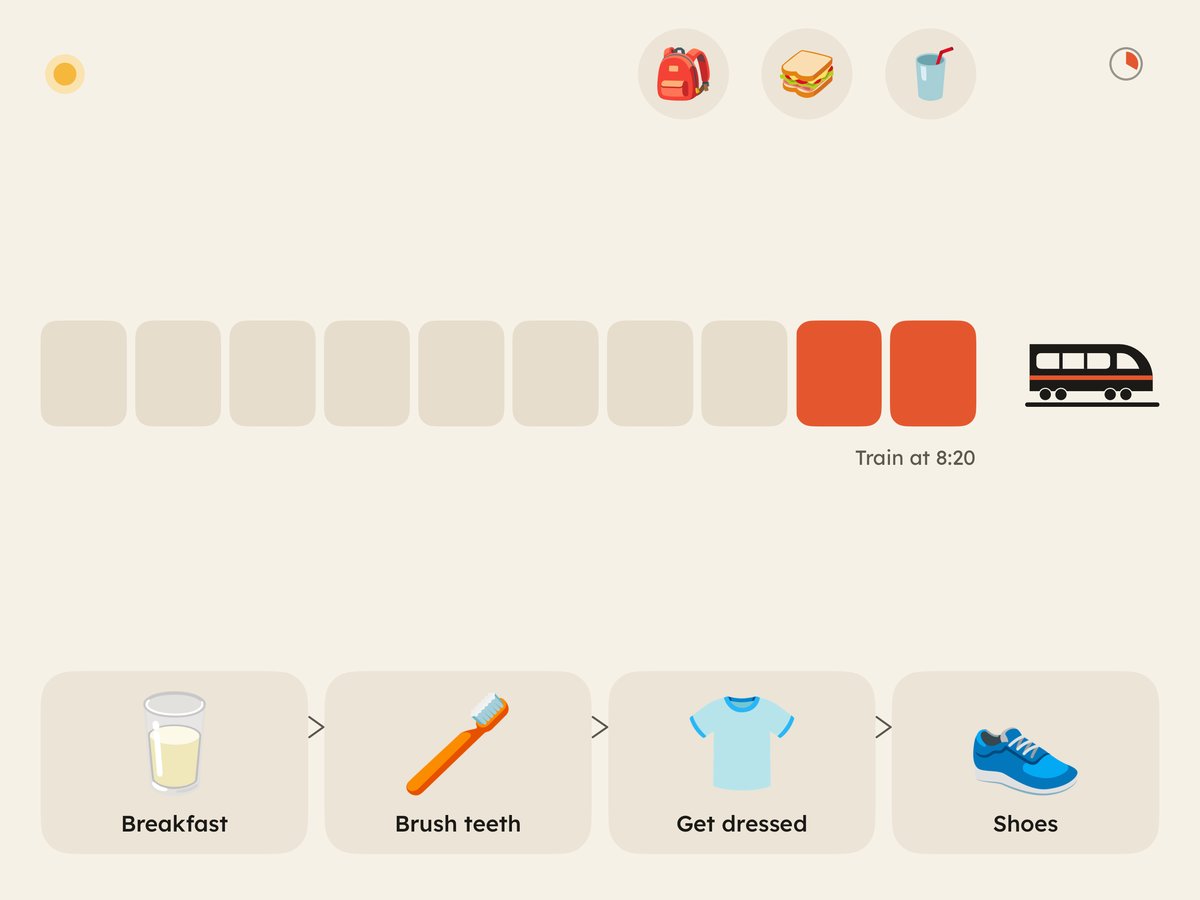
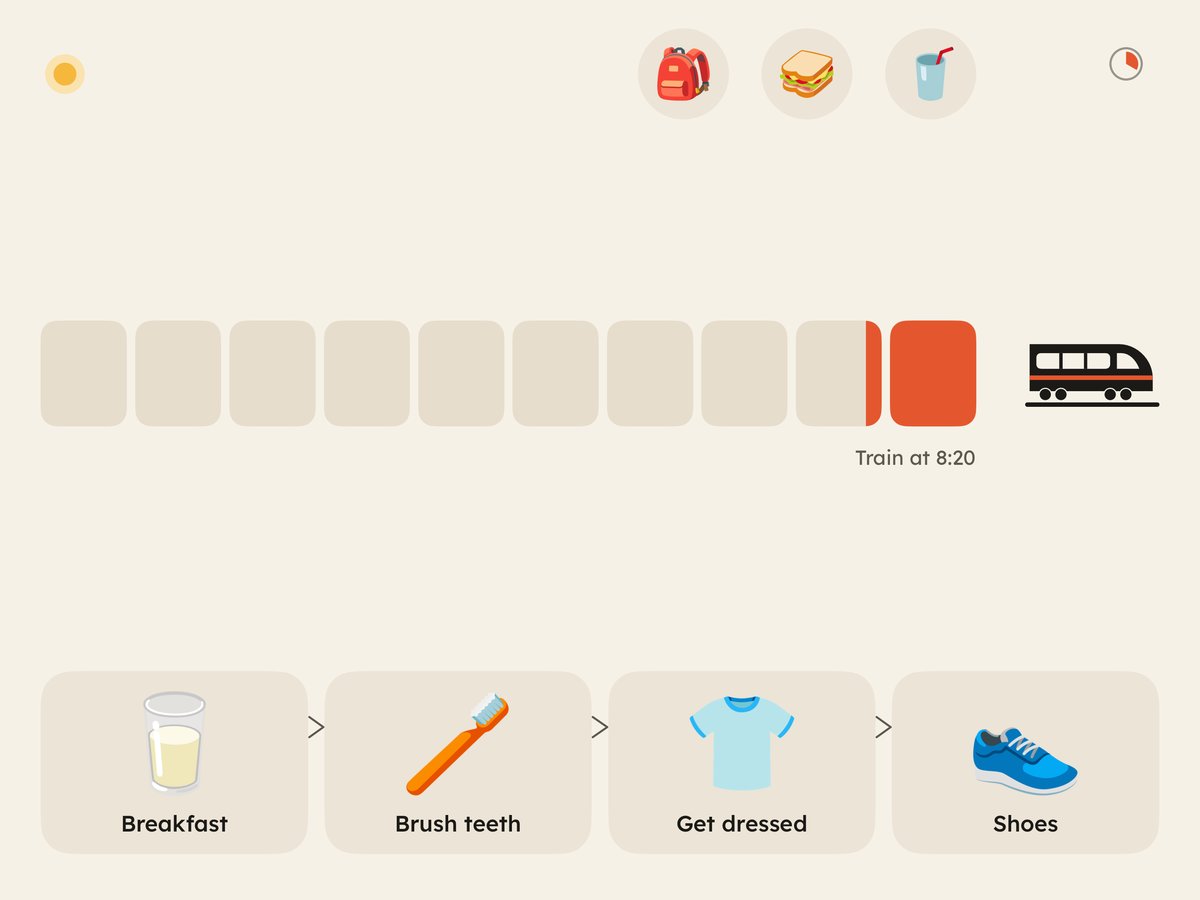
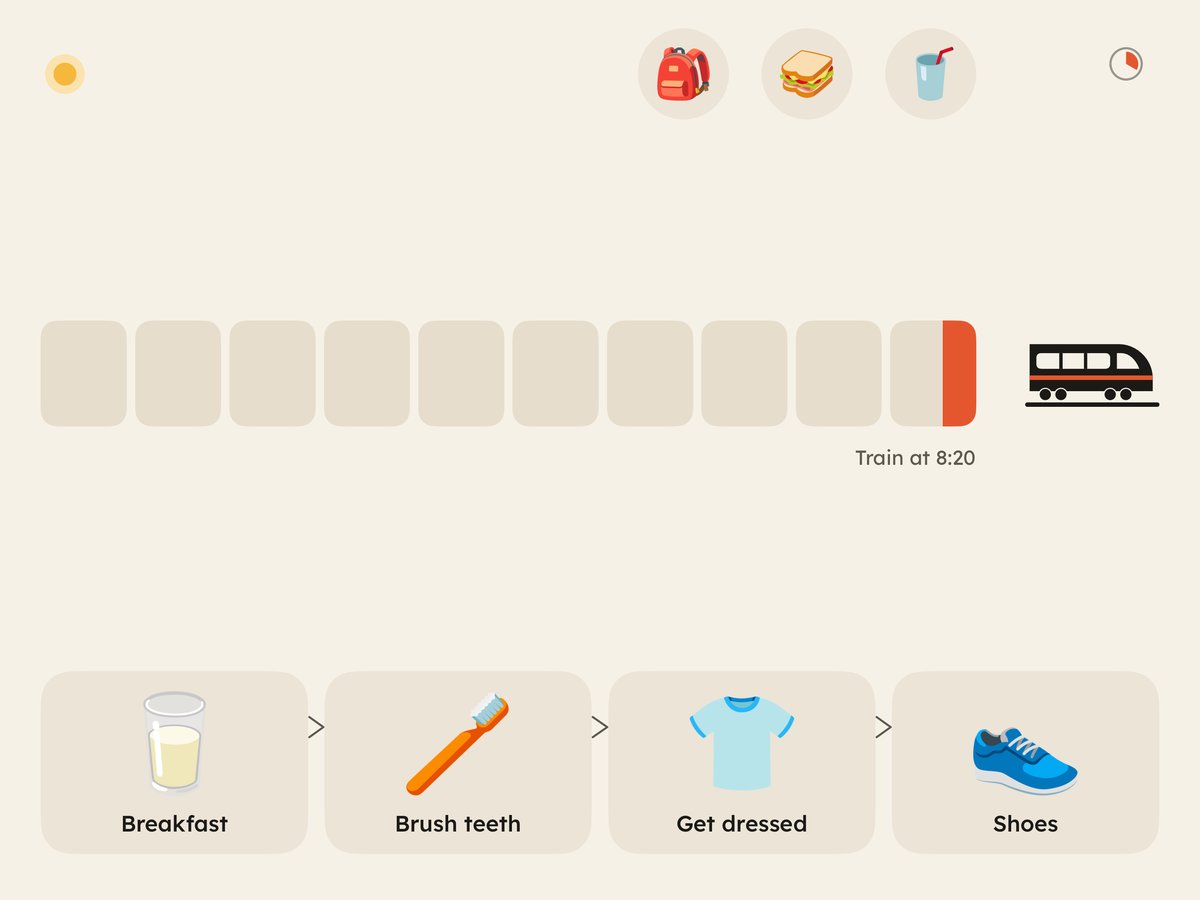
“5 more minutes” means nothing to a 3-year-old. A bar that drains toward the bus does.

You stop being the clock. OnCue shows your kid what’s next and how much time is left, in pictures and a shrinking bar. No reading needed. For the morning rush and bedtime.

Built for a 3-year-old who now checks it herself.

Free to use on iPad, with everything on for your first 7 days. Unlock everything once for $12.99. No subscription.

  • Ages 3+
  • No reading needed
  • Always on, like a clock
  • Time left
  • Where you’re headed
  • The steps
MorningBedtime

Scroll or drag to watch a day go by

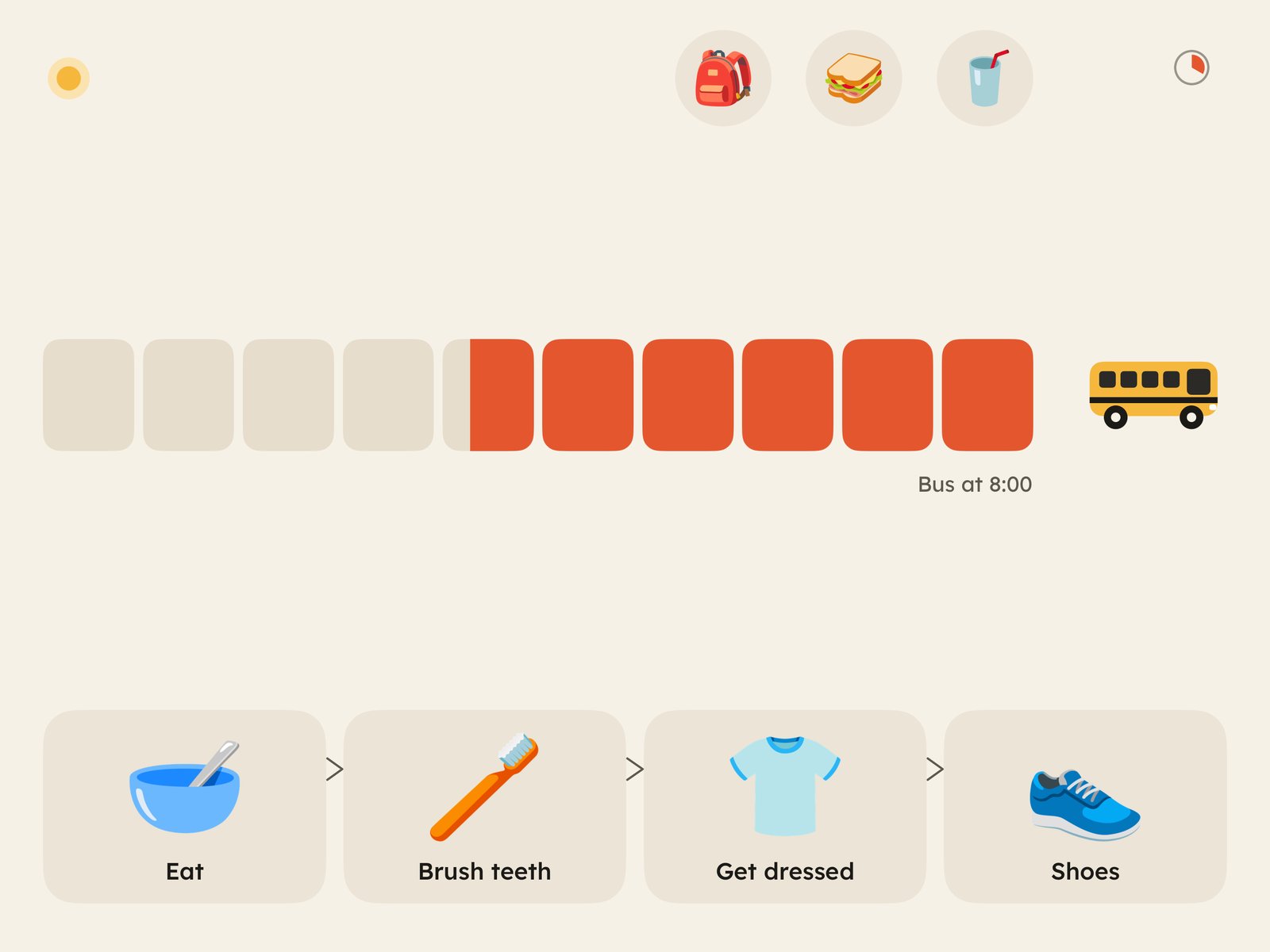
  1. Morning · 7:30–8:20 AM

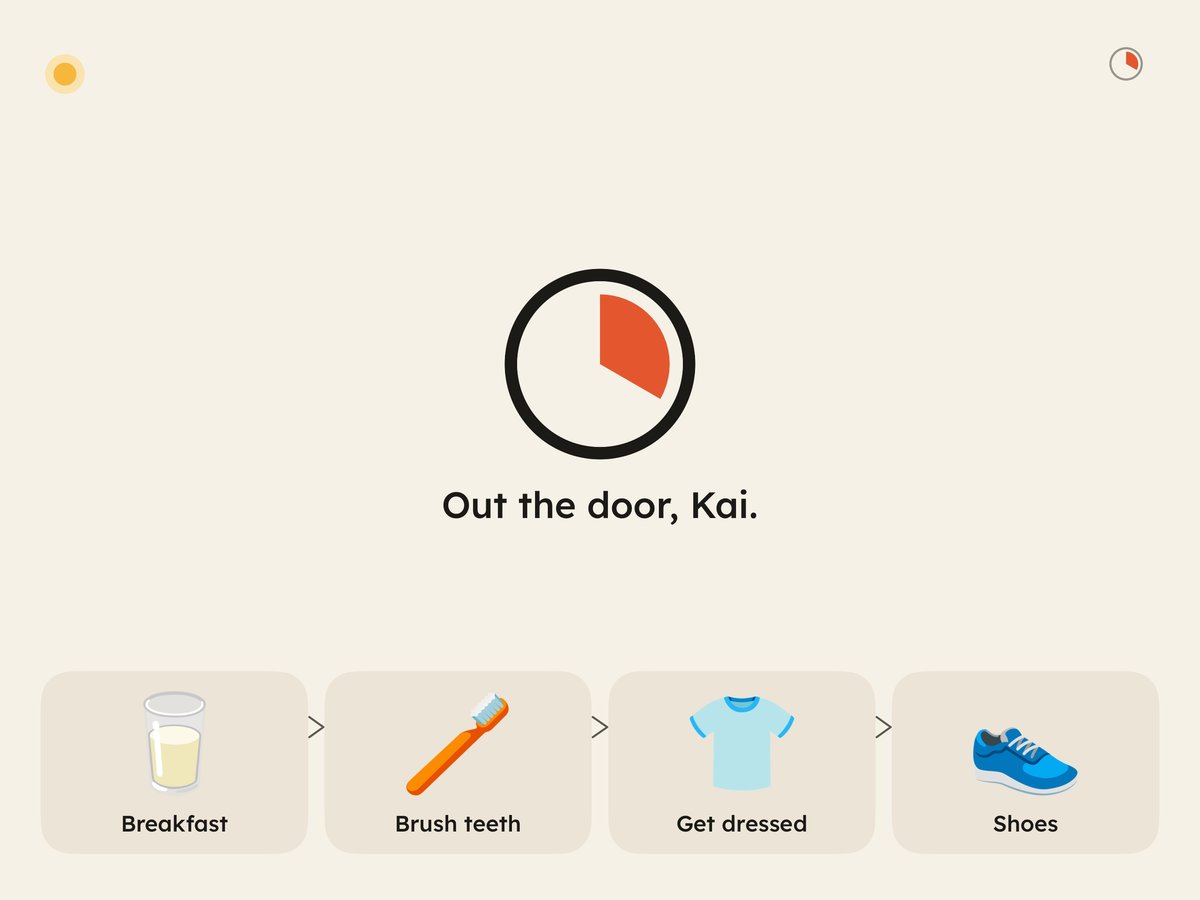
    The whole morning, in one shape.

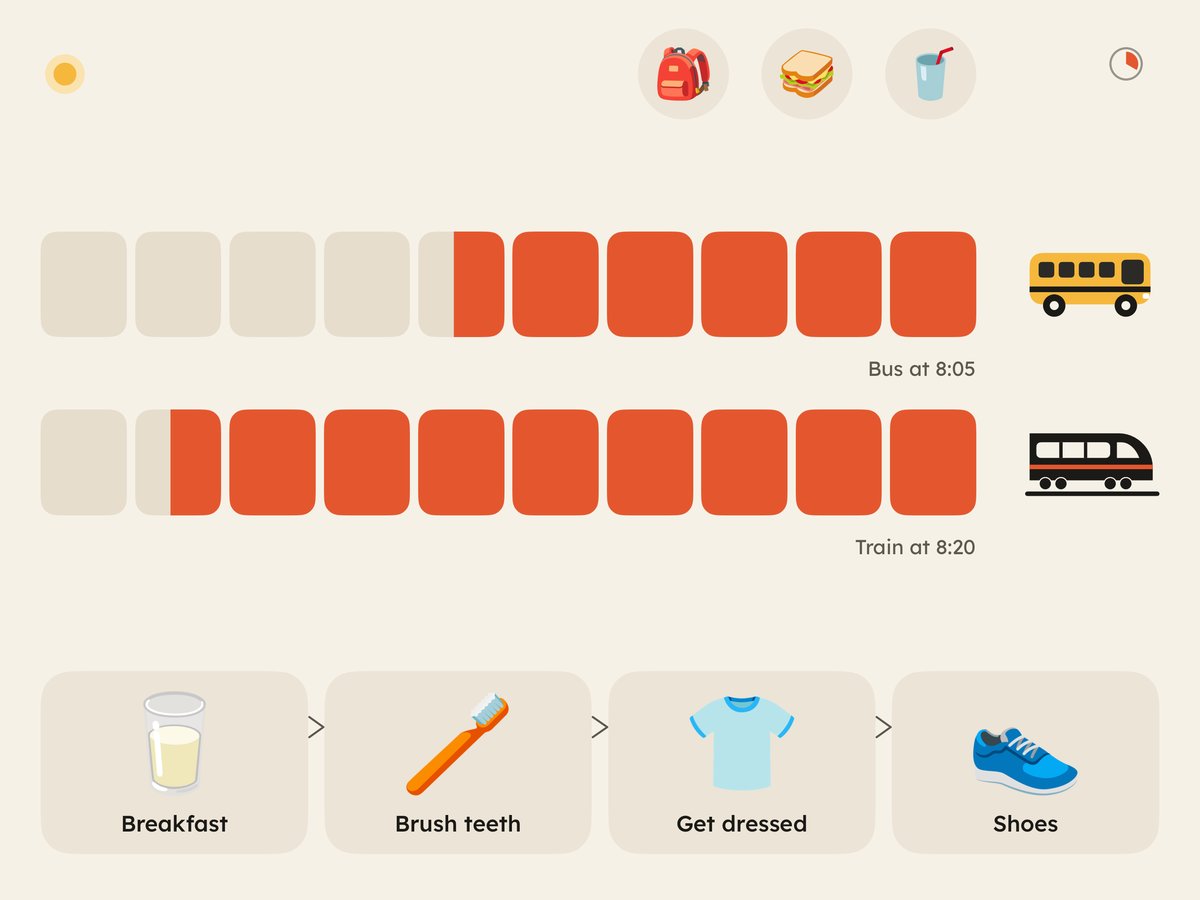
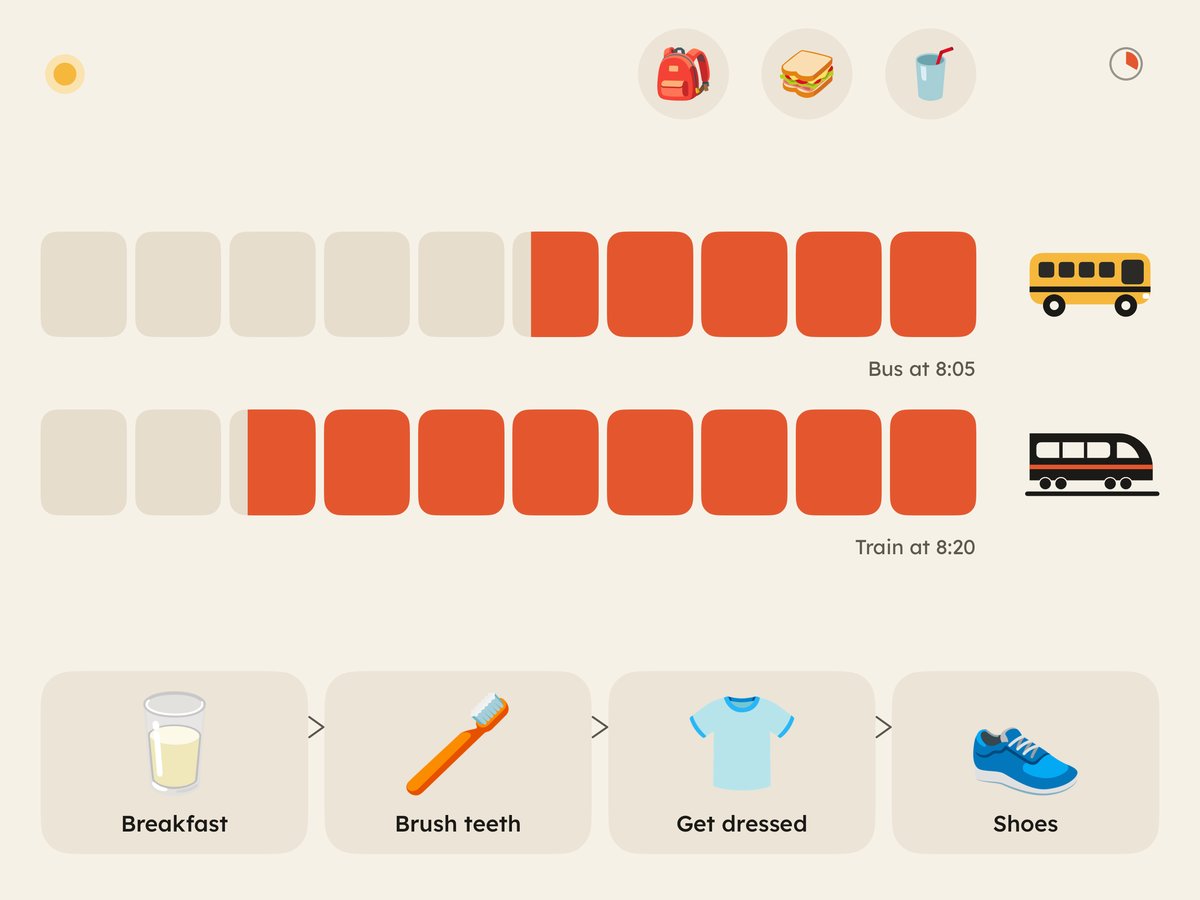
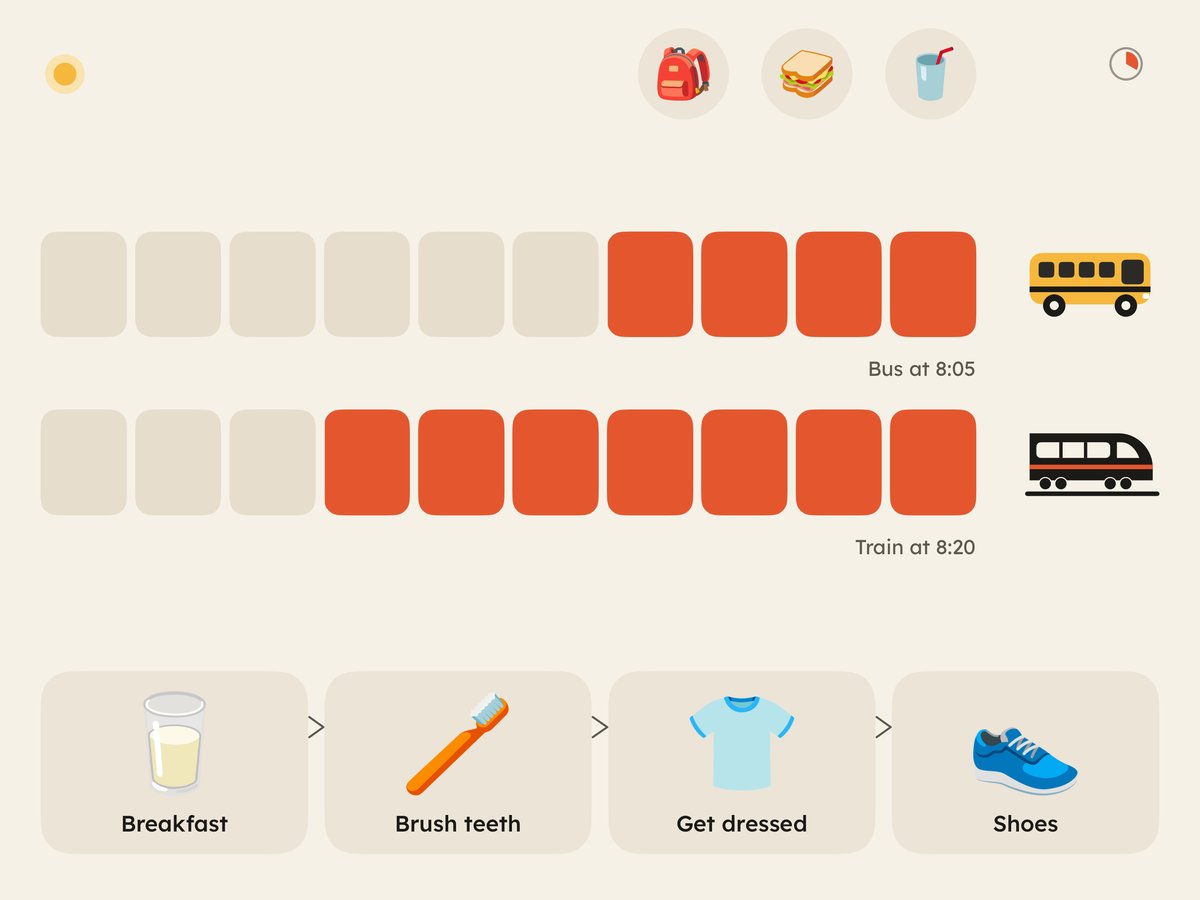
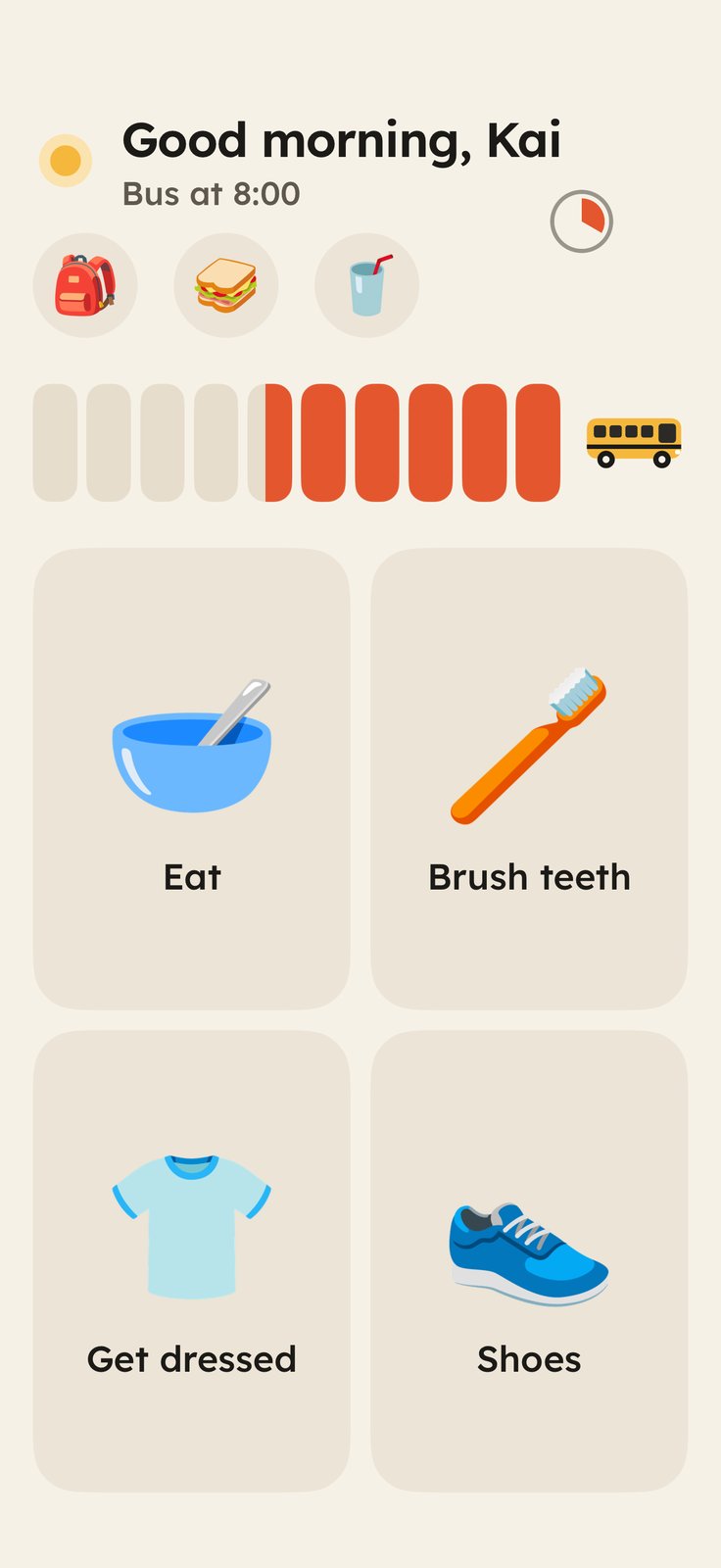
    The orange bar is the time left before you leave. It shrinks as the minutes pass, so “how long until we go?” has an answer they can see for themselves.

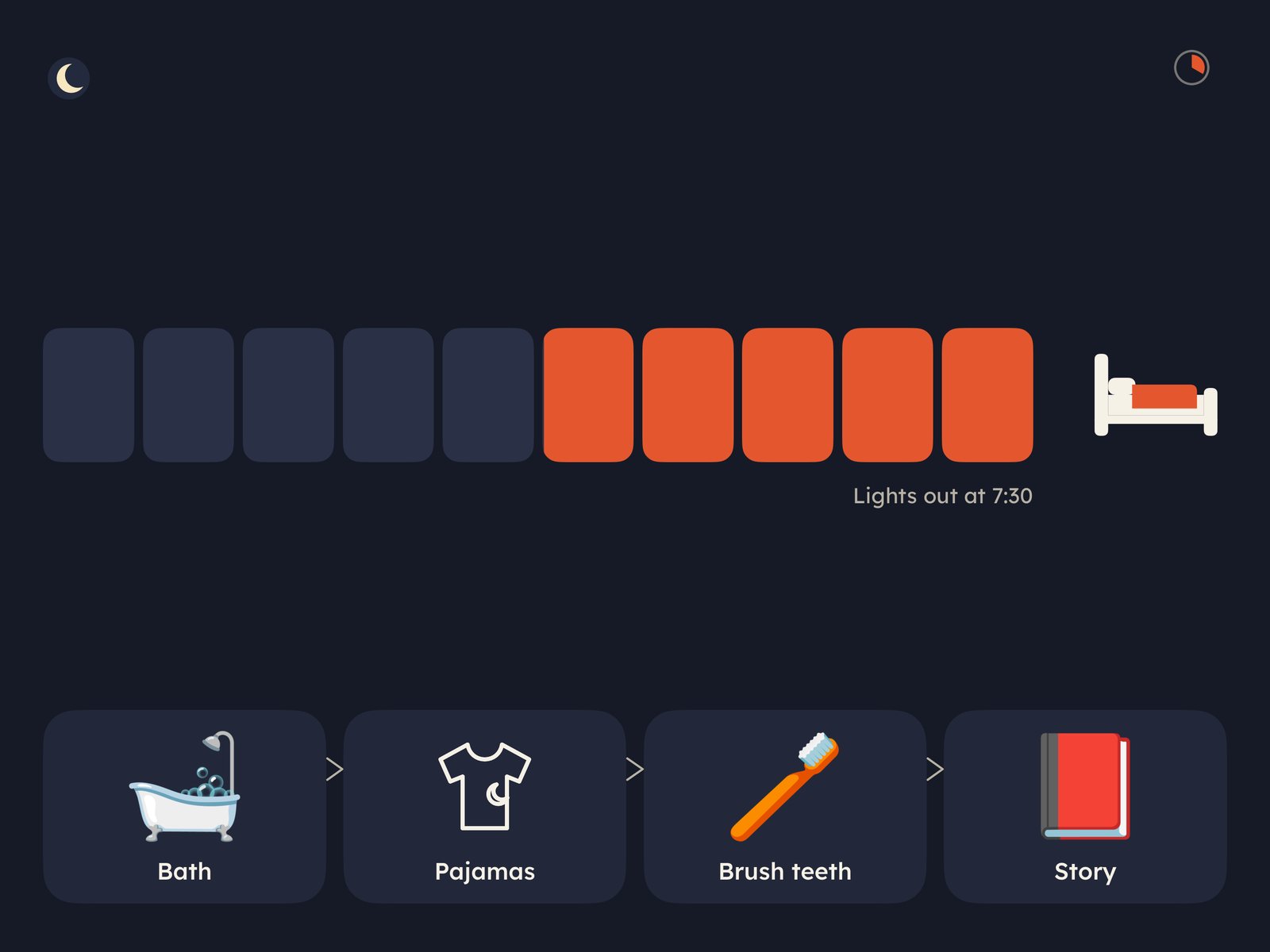
  2. Bedtime · 7:15–8:20 PM

    The same quiet screen, for bed.

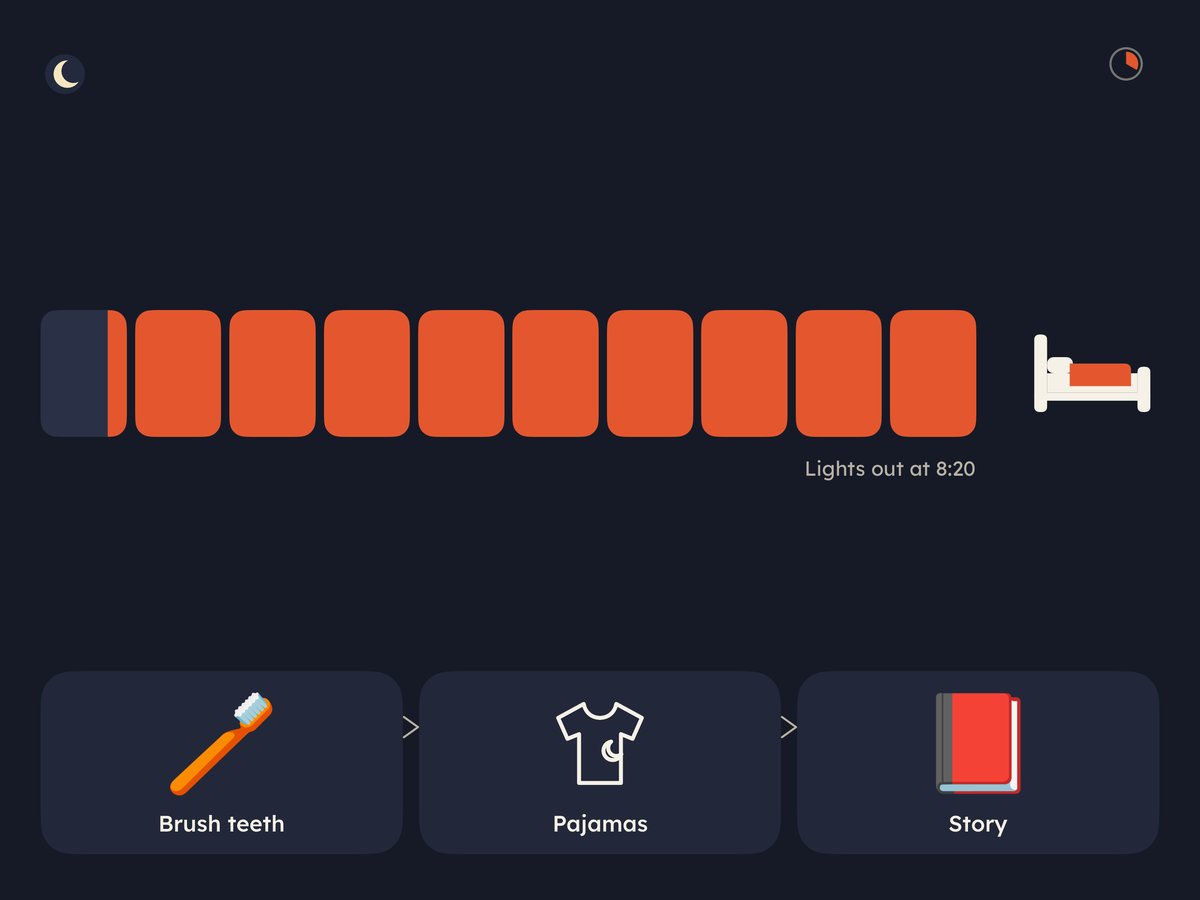
    A moon in the corner, the steps along the bottom, and a bar that shrinks until lights out. The same pictures, in the same order, every night.

Designed to be glanced at

Not a game. Not a checklist. A clock they can actually read.

  1. 01

    Pictures, not words

    Every step is an icon a four-year-old recognizes. Time left is a bar that shrinks, not a number to decode.

  2. 02

    Always on, never asking

    Nothing to tap, no stars to collect, no streaks to keep. It sits where they can see it and shows the time — their way.

  3. 03

    Built around your day

    Morning and bedtime routines come ready to go. You set one time for each — out the door, and lights out — and the steps are already there.

Bedtime

The same pictures, every night. Then lights out.

Teeth, pajamas, and a story — in that order, every night. Your child can see the steps and the bar shrinking toward 8:20, so the routine starts to feel like theirs, not a list you recite from the doorway.

Same quiet layout as the morning. A bar for the time left, and the steps along the bottom.

Setup

Pick one time. That’s most of the setup.

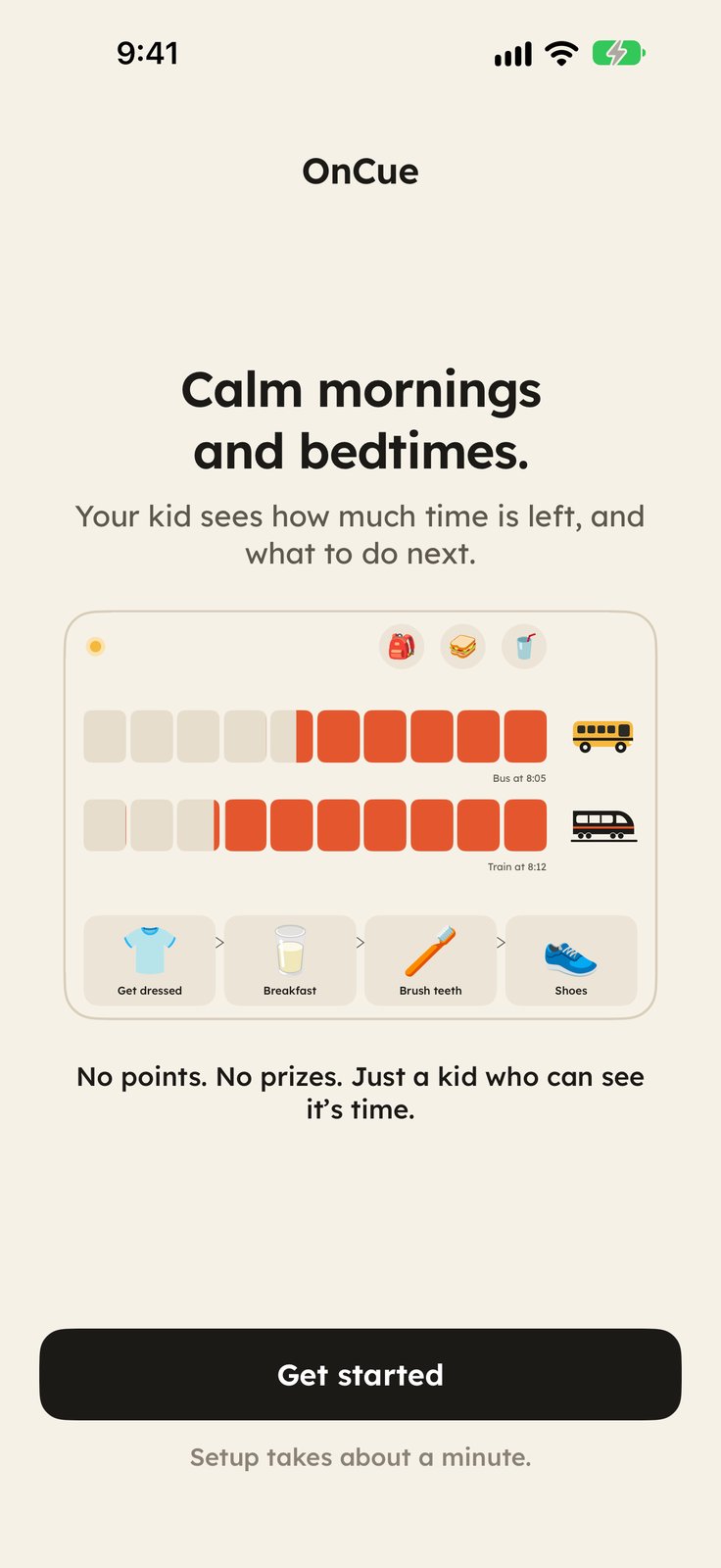
OnCue starts with sensible steps for mornings and bedtime. You tell it when you need to be out the door, and when lights go out. Setup is 8 short screens, and these are all of them.

Set up yours, free on the App Store
Setup, first screen

1 of 8first screen

From the app

Not a mock-up. This is the board.

Captured straight from the app, not drawn for this page.

The morning board mid-countdown, held upright
On an iPhone
Morning, on an iPad
Morning, on an iPad
Bedtime, on an iPad
Bedtime, on an iPad

Pricing

Free to use. Unlock everything once.

The countdown is free, and it stays free. Everything is on for your first 7 days. After that, unlock everything once, or keep using the free version. No subscription, no account.

Free

$0

  • The countdown: the shrinking bar for the time left
  • Your routines and steps, in pictures
  • Bedtime
  • Your first leave-by bar (the bus or train)
  • Everyday bring-along items
  • The weather

Unlock everything

$12.99 one time

Everything in Free, plus:

  • Up to four leave-by bars instead of one
  • Weather gear icons: umbrella or jacket when the day needs one

One purchase. No subscription. Family Sharing is on.

Formats

Two ways to keep it in view.

The same calm display, on an iPad you already have or on a dedicated e-ink frame. The iPad app is free to use, and you can unlock everything once for $12.99. The e-ink frame is in beta with NYC families, and you can reserve one.

iPad app · Available now

OnCue for iPad

Got an old iPad in a drawer? That’s your door board. Mount it by the door or stand it on the counter. Free to use: everything is on for your first 7 days, and the countdown, your routines and bedtime stay free. Unlock everything once for $12.99. No account, no subscription.

Works on
Your iPad
Price
Free · Unlock everything once for $12.99. No subscription

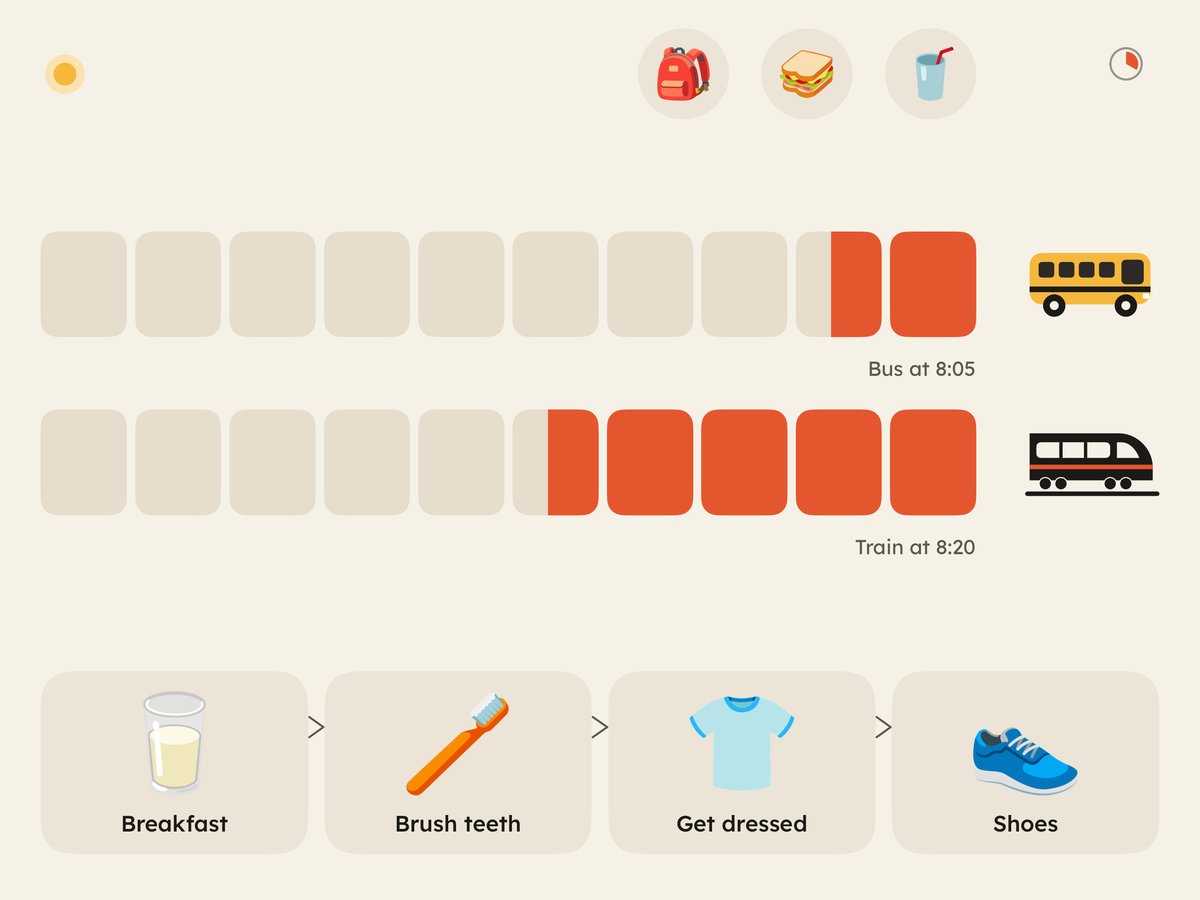
Leaves at 8:05

Leaves at 8:20

  1. Breakfast
  2. Brush teeth
  3. Get dressed
  4. Shoes on

In beta: E-ink frame

OnCue e-ink frame

A paper-like screen in a simple frame. No apps, no notifications, nothing to tap — just the routine, all day long.

Made for families who don’t want an iPad by the door.

30-day return. Free replacement if it fails.

Display
Paper-like e-ink
Price
$199 · In beta with NYC families

Questions

What parents ask first.

Does my child need to read?

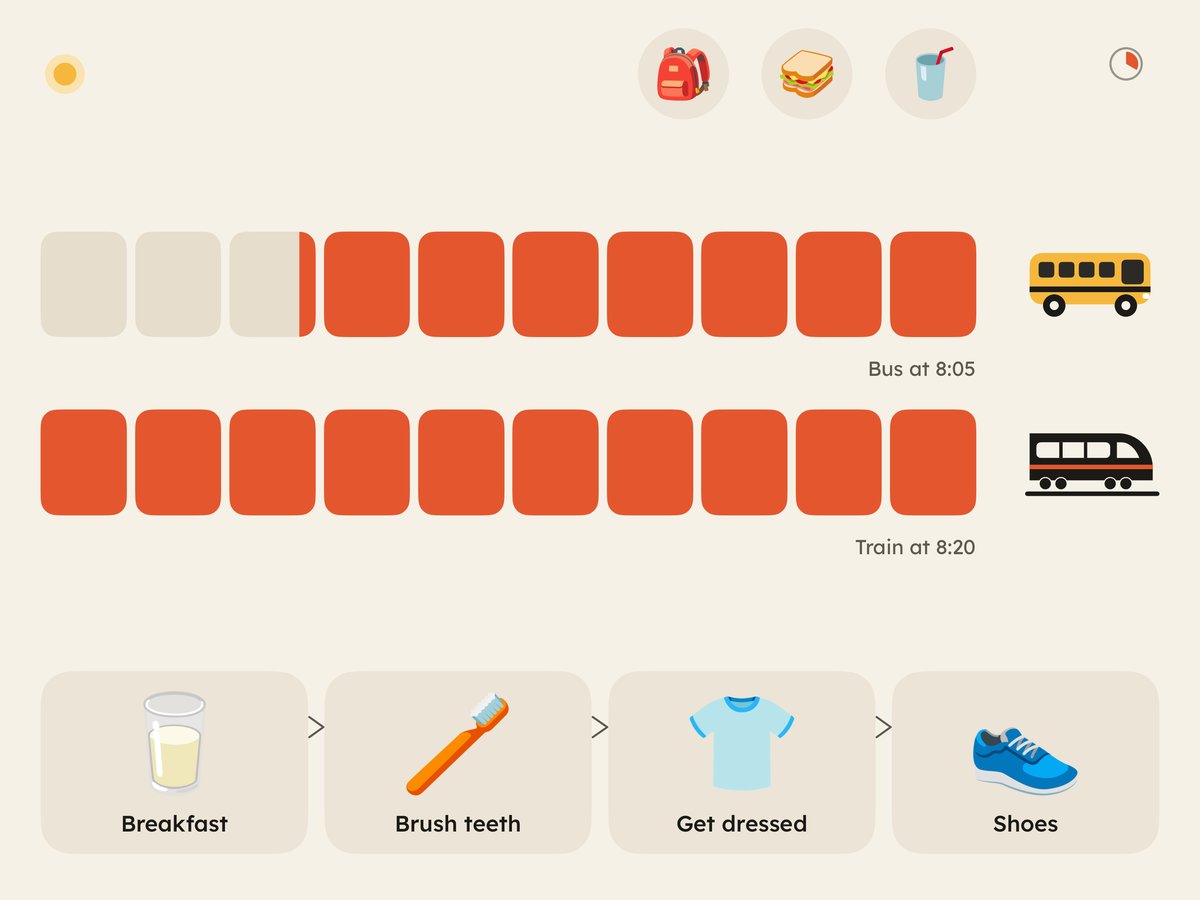
No. Every step is a picture, and the time left is a bar that shrinks. The words under the bars — the bus leaves at 8:05, the train at 8:20, lights out at 8:20 — are there for you.

How is this different from a free timer app?

A timer counts down minutes. OnCue counts down to the bus, the train, or lights out, and shows the steps and what to grab along the way, for mornings and bedtime.

Does it beep or send alerts?

No. The first version is visual only. It sits where your child can see it and changes quietly as the minutes pass.

How much do I need to set up?

One time: when you leave in the morning, or when lights go out. OnCue fills in the steps. The day’s plans, names, photos and extra steps are optional.

iPad app or e-ink frame?

Start with the iPad app: it is free on the App Store and runs on an iPad you already have. If you would rather have a dedicated, paper-like screen with nothing else on it, the e-ink frame is in beta with NYC families, and you can reserve one for $29, fully refundable.

What does it cost?

The iPad app is free to use. Everything is on for your first 7 days, and after that the countdown, your routines, bedtime and the weather stay free. Unlock everything once for $12.99: up to four leave-by bars instead of one, plus weather gear icons. It is a single purchase, not a subscription, and Family Sharing is on. The e-ink frame is a separate product at $199. It is in beta with NYC families now, and you can reserve one for $29, fully refundable.

What age is it for?

OnCue is made for ages 3+. Every step is a picture, so your child does not need to read.

Do I need an account?

No. OnCue has no accounts and no sign-in. Your routines stay on your iPad.
Stop being the clock.

Two routines, one calm glance. Download the iPad app free.

Free to use on iPad, with everything on for your first 7 days. Unlock everything once for $12.99. No subscription.